Connecting Sproobo
Create your Sproobo account and get started
Now that you have your Hetzner Cloud account and API token ready, it's time to create your Sproobo account and start using the platform.
Creating Your Sproobo Account
If you haven't already, you'll need to create a Sproobo account first.
- 1
Sign Up for Sproobo
Visit the Sproobo dashboard and click "Sign Up" or "Get Started". You can use:- GitHub OAuth (recommended for developers)
- Google OAuth
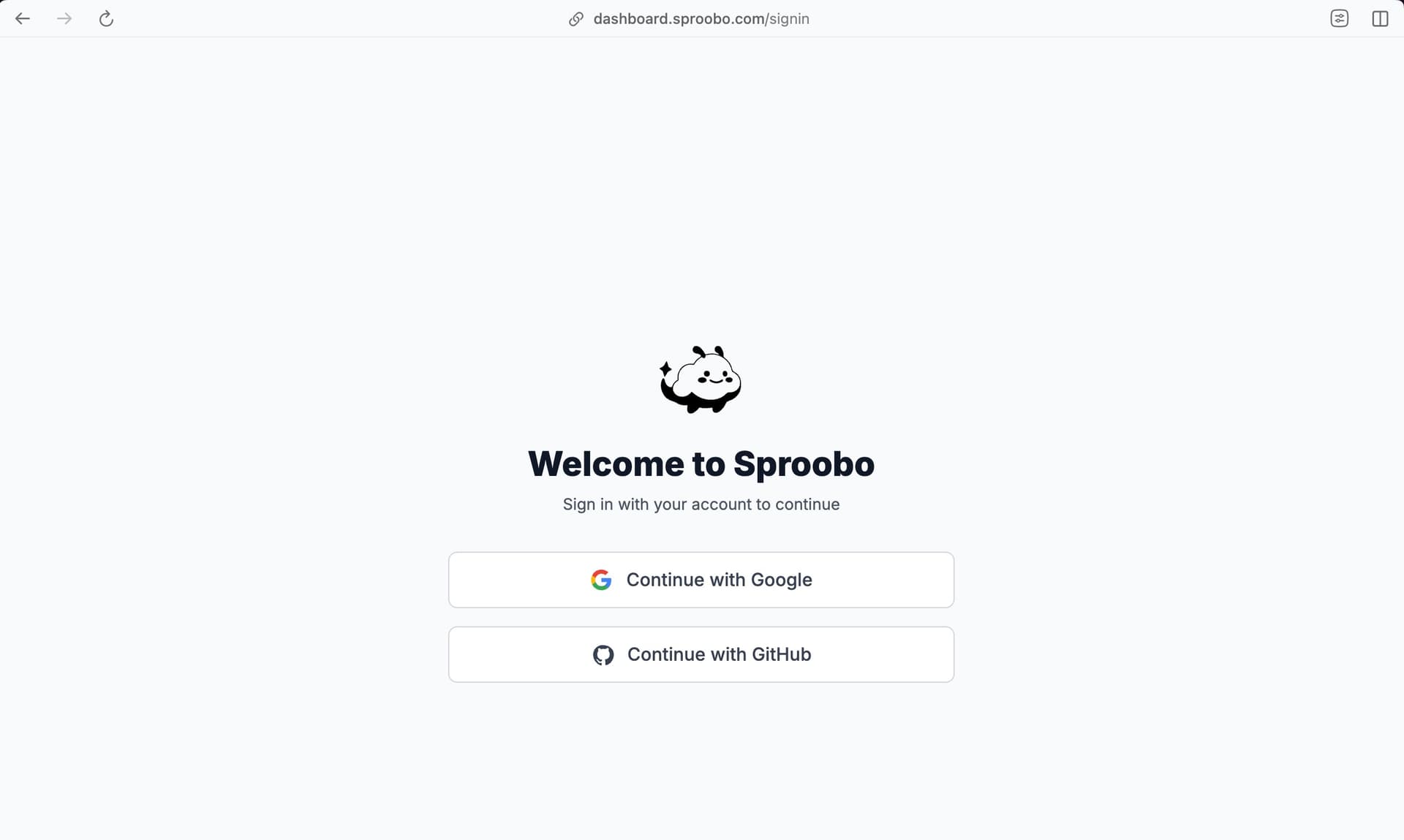
Choose your preferred authentication method to create your Sproobo account.
Connecting Your Hetzner API Token
Once your Sproobo account is set up, you can connect your Hetzner Cloud API token. Token connection happens during project creation in the Advanced Options section.
When creating a project, you can:
- Connect a new Hetzner API token - Paste your token directly during project creation
- Use an existing token - Select a token that's already connected to another project
- Add token later - Create the project first and add the token later in project settings
Security
Sproobo uses end-to-end encryption for all stored credentials. Your token is encrypted using AES-256 encryption before being stored, and it's only decrypted in memory when making API calls to Hetzner. Tokens are never logged or exposed in our systems.
For detailed instructions on connecting your Hetzner token during project creation, see:
What's Next?
Congratulations! Your Sproobo account is now set up. The next step is to create your first project, where you'll connect your Hetzner API token:
Next Steps:
- Create Your First Project → (includes connecting your Hetzner token)
- Provision Your First Server →
- Deploy from a Template →