Creating a Hetzner Account
Step-by-step guide to creating your Hetzner Cloud account with our referral link to receive €20 in credits
To get started with Sproobo, you'll need a Hetzner Cloud account. This guide will walk you through creating your account and setting it up properly.
When you sign up using our referral link, you'll receive €20 in credits that you can use towards your Hetzner Cloud infrastructure costs!
Creating Your Account
- 1
Visit the Hetzner Cloud Sign-Up Page
Click on the following referral link to create your account: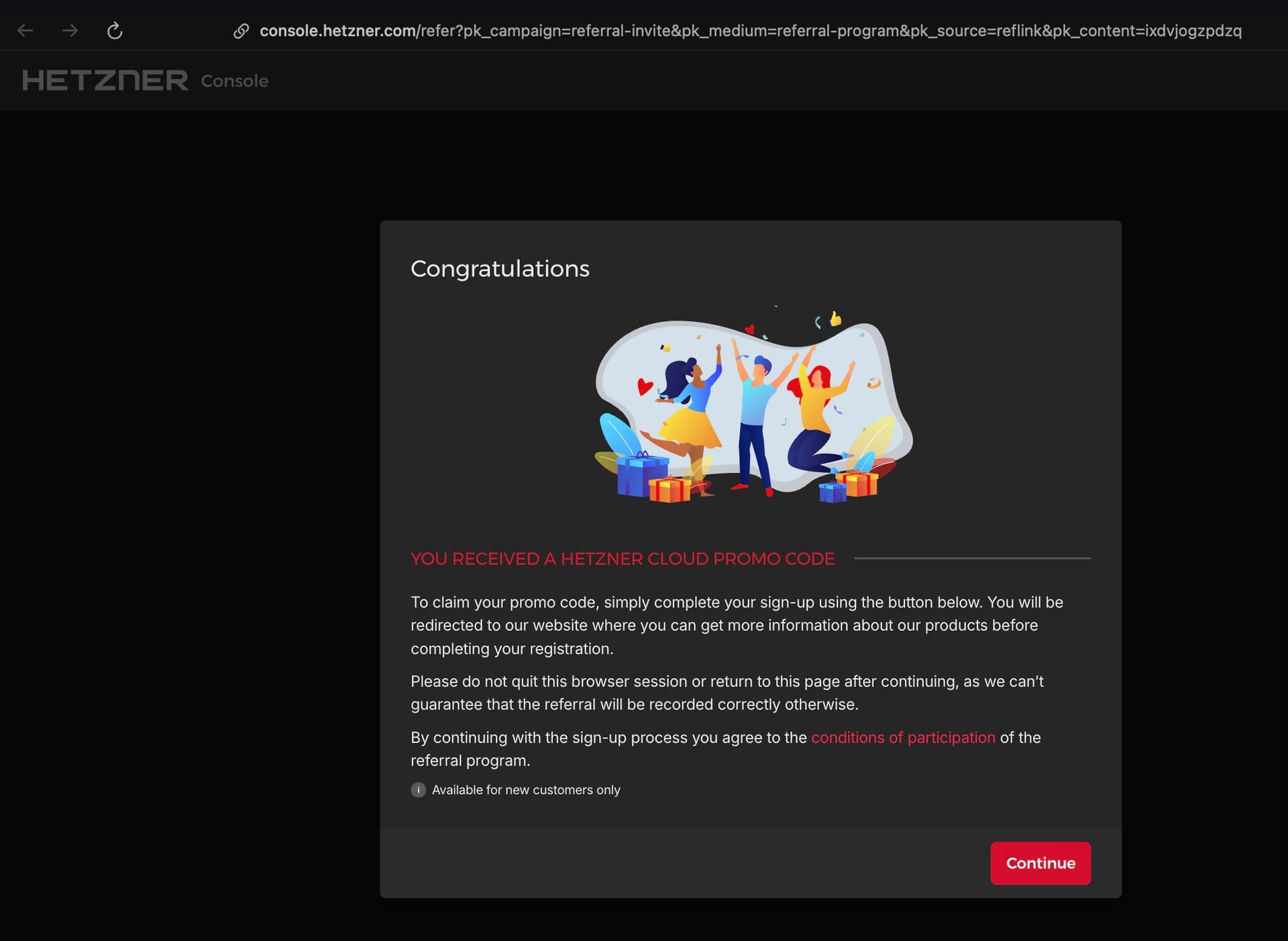
The Hetzner Cloud sign-up page. Make sure you're using our referral link to receive the €20 credit. - 2
Enter Your Email Address
Enter a valid email address that you have access to. This email will be used for:- Account verification
- Important notifications about your infrastructure
- Billing and invoice receipts
- 3
Create a Password
Choose a strong password for your Hetzner Cloud account. Hetzner requires:- At least 8 characters
- A mix of uppercase and lowercase letters
- At least one number
- At least one special character
- 4
Verify Your Email
Check your email inbox for a verification message from Hetzner. Click the verification link to activate your account.⚠️If you don't see the email, check your spam folder. The verification link typically expires after 24 hours.
- 5
Complete Your Profile
After email verification, you'll be asked to complete your profile:- Your full name
- Company name (optional)
- Address information
Adding a Payment Method
Before you can use Hetzner Cloud services, you'll need to add a payment method. Don't worry - you won't be charged until you actually use resources, and you can always set spending limits.
- 1
Navigate to Payment Settings
In your Hetzner Cloud console, go to Settings → Payment Methods. - 2
Add Your Payment Method
Hetzner accepts the following payment methods:- Credit cards (Visa, Mastercard, American Express)
- PayPal
- SEPA Direct Debit (for EU customers)
- 3
Verify Payment Method
Hetzner may charge a small temporary authorization fee to verify your payment method. This charge will be refunded automatically.ℹ️The authorization fee is typically between €1-5 and is refunded within a few days.
Claiming Your €20 Referral Credit
When you sign up using our referral link, Hetzner automatically applies €20 in credits to your account. Here's how to verify:
- 1
Check Your Referrals
Visit the Hetzner referrals page to see your credit status: - 2
Verify Credit in Account Balance
Navigate to your Account → Balance section to see the €20 credit reflected in your account.
What's Next?
Now that you have your Hetzner Cloud account set up, the next step is to create a project and get your API token: